HOW IT WORKS · WRITTEN BY THE PERSON WHO BUILT IT
From a bedside recording to a moment you can review.
No wearable, clinic appointment, or subscription is required to review the Free basics. Here is exactly what happens between tonight and tomorrow morning, from setup to the evidence you can inspect.
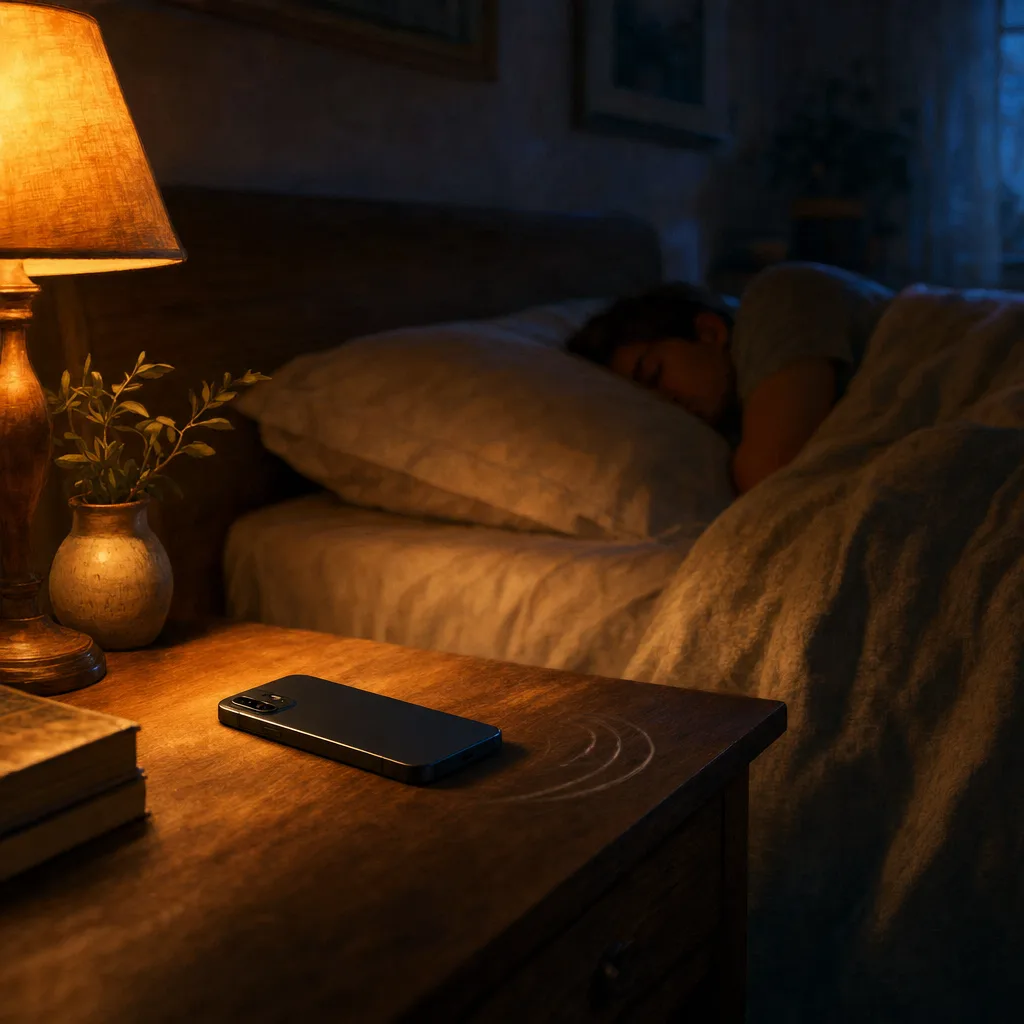
Place your phone on a stable nightstand and start recording. In the morning, open your Night Report, choose a possible breathing pause and follow the waveform as you listen before and after the quiet interval. The phone may miss an event or find no candidates. Neither outcome is a diagnosis. Tags and longer reports become useful as you record more nights.
Step 1 — Before bed, tap what's true tonight
Tagging is optional. If you are trying a bedtime change, note it before recording so you can compare nights later. You can also skip tags and begin your first night.
What was different tonight:
🍷 alcohol · ☕ late caffeine · 😰 stress · 🍽️ large meal · 💊 existing prescribed medication · 🏃 hard workout
Existing routines or prescribed care you can note:
🛌 intended side-sleeping · 📐 usual head elevation · 👃 clinician-directed nasal spray · 🪶 usual pillow · 😷 prescribed CPAP use · 🧘 wind-down routine. Note existing care; do not start, stop or change treatment to build a comparison.
The Night Report is available whether you tag or not. Lifestyle Lab™ compares nights carrying one tag with nights missing that tag, when both groups have enough observations. Missing a tag does not prove the routine or product was absent.
Step 2 — Phone on a stable, uncovered nightstand.
Recordings used varied consumer smartphone and tablet microphones and room settings. Per-device performance and a fixed recording distance are not established by these papers.
Make sure your phone has enough battery for the recording. Battery use varies with the device, settings, recording duration and other activity on the phone. Place it on a stable, uncovered nightstand; do not put it under bedding.
One thing worth saying clearly: sleep-audio analysis runs on your phone, and raw audio is not uploaded by default. Your sleep audio is intimate — it can include you, your partner, conversations after bed, or a pet. Audio leaves the device only when you explicitly use Share or Export.
Step 3 — Sleep how you sleep
There is nothing to wear or wake up to check. Follow the recording guidance for your phone and let the session run while you sleep.
One night is a snapshot. A longer run gives more context for your recent personal range. If you tag something specific — a side-sleep belt, an anti-snore pillow, or no alcohol on weeknights — compare several tagged and untagged nights and treat the result as an association, not proof of cause. (Here are common factors people choose to track.)
Step 4 — In the morning, the report is there
You wake up, open the app, and the report is there. The core acoustic analysis runs on your phone, so there is no cloud-analysis delay.
What's in it:
- BRI for the night. A product-defined rate of candidate breathing-irregularity patterns per estimated sleep hour. It is not AHI.
- SRI for the night. A product-defined snoring rate per estimated sleep hour. BRI and SRI describe different sound patterns; one can be higher while the other is lower. A low BRI does not rule out a condition.
- Snoring across the night. Review snoring counts by minute and the distribution of usable minutes across frequency groups. Higher frequency does not mean louder snoring.
- Candidate events, organized by time. Model-estimated event type, start time, and duration for review.
- Sounds around a possible pause. Listen to the sounds before a marked quiet interval and after sound returns. The waveform helps you follow what the microphone captured. Timing is model-estimated; a quiet interval does not prove that breathing stopped. Your first complete breathing report is free to view—and stays free to revisit. No valid report yet? You can try again for free. Recording and analysis stay free. Pro unlocks later complete breathing reports; snoring stays free. Playback and saving of snoring audio are unlimited while the audio remains on your phone.
- Today's tagged factors. What you said before bed gets locked in alongside the report.
Start by checking a specific candidate for yourself. Later, repeated nights help you see whether similar observations recur, without reducing your first morning to a score.
Step 5 — Keep or share a structured summary
Longer-period structured reports are separate from the first-morning Night Report. They organize observations, tag comparisons, coverage and limits in a structured PDF; Pro adds fuller content.
Print it, save it, or share it if you choose. It is a wellness-monitoring summary, not a clinical sleep report, and a clinician may still recommend validated medical testing based on your symptoms and history.
See how structured reports complete the longer-term evidence chain →
Why on-device AI (the privacy version, plain)
Your sleep audio is more personal than most people realize. It includes you snoring (private), your partner's breathing (theirs to share, not mine to sell), conversations you had right before falling asleep (no one else's business), and the dog scratching at the door at 2 a.m. (yours).
The AI runs on your phone. Recordings and clips are kept in app-controlled local storage. Audio leaves the device only when you use an explicit sharing or export action provided by the app or operating system.
What we send to our servers: account and subscription data, aggregated sleep statistics, and technical context needed to operate and support the service — never raw sleep audio by default. Full data inventory at /legal/privacy.
What the validation number covers
BRI is a product-defined candidate rate, not a research accuracy metric. Paper E reports 88.49% accuracy and 88.06% F1 for 200-second windows (2,953 total; single seed). Its Pruned+FT+QAT model has 9,416 parameters and a 56.4 KB file; the separate CoreML Pruned+FT forward-pass benchmark is 0.064 ms on Apple M2, excluding audio preprocessing and post-processing (200 calls, 20 warmups).
The benchmark does not independently validate every event boundary, duration, product label, phone, bedroom, or personal result. See /accuracy for the claim-by-claim methodology and limitations.
What you do with the data after a few weeks
The value grows as you build a longer personal record:
- First nights — learn what the report contains and inspect a few selected clips.
- Following nights — watch normal night-to-night variation and see your recent range.
- Tagged comparisons — compare nights carrying a tag with nights missing it when enough comparable observations exist; missing a tag does not prove the factor was absent.
- Beyond — keep a structured record you can review yourself or share during a professional conversation.
If this is the level of detail that helped, start with Free
Put your phone by your bed and review your own night after sleep.
Your first complete breathing report is free to view—and stays free to revisit.
No valid report yet? You can try again for free.
Start for freeRecording and analysis stay free. Pro unlocks later complete breathing reports; snoring stays free.
Want to keep a longer record? Compare Pro options →
SomniSense is a wellness tracking tool, not a medical device.